Docker for Computer Vision
Computer vision development environments are notoriously difficult to reproduce. Between OpenCV build flags, CUDA version requirements, cuDNN compatibility matrices, and Python package conflicts, getting a fresh environment configured correctly can take days. Docker solves this by packaging your entire runtime — including native libraries, Python packages, and system dependencies — into a portable image that runs identically on any compatible host.
For GPU-accelerated computer vision work, the recommended base image is one of NVIDIA's CUDA images from nvcr.io/nvidia/cuda. These images come in three variants: base (CUDA runtime only), runtime (CUDA runtime + cuDNN), and devel (full build toolchain for compiling CUDA code). For deployment images, use runtime; for development and compilation, use devel. Always pin the CUDA and cuDNN version explicitly — cuda:11.8.0-cudnn8-runtime-ubuntu20.04 — to avoid accidental upgrades breaking your build.
Building OpenCV inside Docker gives you full control over compile-time flags. The key flags for computer vision workloads are: -D WITH_CUDA=ON for GPU-accelerated operations, -D OPENCV_EXTRA_MODULES_PATH=/opencv_contrib/modules for contrib modules (SIFT, SURF, ArUco, etc.), -D WITH_GSTREAMER=ON for camera capture pipelines, and -D OPENCV_DNN_CUDA=ON for DNN module GPU acceleration. Multi-stage builds are essential here: compile OpenCV in a devel stage, then copy only the install artifacts into a lean runtime stage. This keeps the final image size manageable.
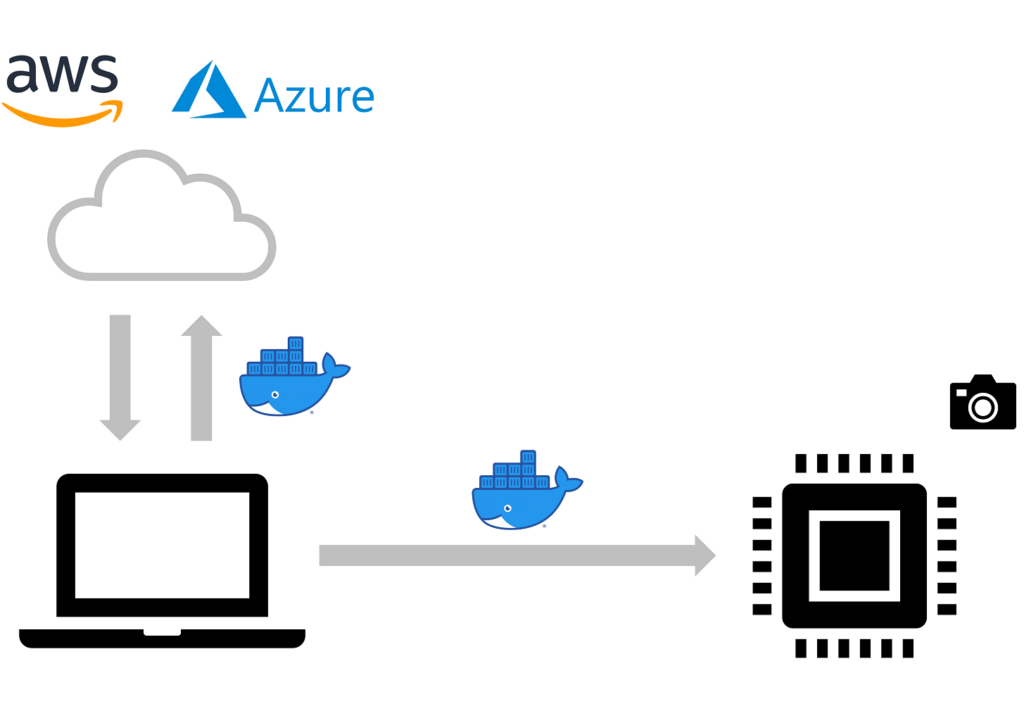
For edge deployment, the workflow changes slightly. NVIDIA Jetson devices require ARM64 images based on nvcr.io/nvidia/l4t-base, and you must use the Jetpack-compatible CUDA version. Raspberry Pi deployments use CPU-only OpenCV with -D ENABLE_NEON=ON -D ENABLE_VFPV3=ON for ARM NEON optimization. Docker Buildx's multi-platform build support makes it possible to build both x86_64 and ARM64 images from a single CI pipeline using QEMU emulation or native builders.
The operational benefit of Dockerized CV applications is significant: rolling back a broken dependency update becomes a one-line image tag change, staging and production environments are identical, and onboarding new developers requires nothing more than docker pull. For teams running multiple computer vision projects simultaneously, Docker Compose configurations with named volumes for model weights and shared GPU access policies make multi-project development manageable.